
No products in the cart.

Logitech K250 Bluetooth Keyboard
Model Number 920‑013451
Connectivity Type Bluetooth wireless
Receiver Required No – connects directly via Bluetooth (no USB dongle needed)
Layout Compact/full‑size layout (model dependent) with function keys
Key Type Low‑profile, quiet keys
Color Black
Wireless Range Typical Bluetooth range (environment and device dependent)
Power Source Standard batteries (e.g., AAA/AA – model dependent)
KSh 3,500.00

Logitech K250 Bluetooth Keyboard
KSh 3,500.00
Description
Logitech K250 Bluetooth Keyboard
The Logitech K250 Bluetooth Keyboard – Black – 920‑013451 is a sleek, wireless keyboard designed for modern users who want a clean, cable‑free workspace and reliable typing across laptops, desktops and compatible tablets. With Bluetooth connectivity, a compact full‑size layout, quiet, low‑profile keys, and long battery life, the Logitech K250 Bluetooth Keyboard is an excellent choice for students, professionals, remote workers and home users looking for a simple, dependable typing solution.
Unlike traditional wireless keyboards that rely on a USB receiver, the Logitech K250 Bluetooth Keyboard 920‑013451 connects directly to your device via Bluetooth. This frees up USB ports and makes it especially useful for slim ultrabooks, tablets and devices with limited or no USB‑A ports. Pairing is simple: put the keyboard in pairing mode, select it from the Bluetooth menu on your device, and you’re ready to type—no dongles or extra adapters required.
The Black finish gives the keyboard a professional, minimalist look that fits easily into any workspace, from corporate offices to home desks and study setups. Its slim profile and light weight mean it’s easy to move between rooms or carry alongside a laptop for mobile work environments.
The Logitech K250 Bluetooth Keyboard – Black features a comfortable layout with low‑profile, quiet keys that provide a soft, responsive typing feel. This reduces noise in shared spaces such as open offices, libraries or classrooms, while still giving you clear tactile feedback. The familiar key layout helps make the transition from a laptop or desktop keyboard seamless, so you can start working productively right away.
With Bluetooth wireless technology, you can expect a stable connection within typical Bluetooth range (distance depends on environment and device). Whether you’re typing emails, working in documents, coding, chatting or browsing the web, the keyboard is designed to deliver consistent, lag‑free input.
Battery life is another key strength of the Logitech K250 Bluetooth Keyboard 920‑013451. Thanks to energy‑efficient design and an integrated power switch, it can run for months on standard batteries (actual life varies by usage and settings). You can switch the keyboard off when not in use to extend battery life even further, reducing the hassle of frequent replacements.
Compatibility is broad. The Logitech K250 Bluetooth Keyboard – Black – 920‑013451 works with Bluetooth‑enabled Windows and macOS computers, many Chromebooks, and a range of tablets and mobile devices (OS and version dependent). This makes it a versatile option if you switch between different platforms, use multiple devices, or want one keyboard that can serve both your laptop and tablet.
The strong focus keyword for this product is “Logitech K250 Bluetooth Keyboard”, targeting users who are specifically searching for a reliable, affordable Logitech Bluetooth keyboard for everyday typing and productivity.
If you’d like to pair this keyboard with a matching mouse or compare it with other wireless and Bluetooth input devices, explore the full range of accessories in the keyboards and mouse category at keyboards and mouse for desktops.
Common Suitable Users
The Logitech K250 Bluetooth Keyboard – Black – 920‑013451 is ideal for:
- Laptop & Ultrabook Users
- Great for users who want a more comfortable typing experience than a built‑in laptop keyboard.
- Bluetooth connection avoids using scarce USB ports.
- Students & Educators
- Perfect for note‑taking, writing assignments, research and online classes.
- Lightweight and slim, easy to carry between home, lecture halls and libraries.
- Remote Workers & Home Office Users
- Helps create a tidy, cable‑free workstation.
- Quiet keys are suitable for shared household or co‑working spaces.
- Tablet & 2‑in‑1 Users (Compatible Devices)
- Turns compatible tablets into more capable productivity devices.
- Ideal for writing emails, documents and messages on the go.
- Home & Casual Users
- Excellent for everyday typing, browsing, emails and social media.
- Simple to set up and use for family members of different ages.
- Small Offices & Businesses
- Cost‑effective choice for equipping multiple wireless workstations.
- Minimal IT setup – easy pairing via Bluetooth on supported devices.
For additional Bluetooth keyboards, wireless combos and mice, you can browse related products in the keyboards and mouse section at PC keyboards and mice selection.
Key Pros of Logitech K250 Bluetooth Keyboard (920‑013451)
- Bluetooth connectivity – no USB receiver needed, ideal for port‑limited laptops and tablets
- Slim, lightweight design for easy portability and a clean desk setup
- Quiet, low‑profile keys provide a comfortable and silent typing experience
- Full, familiar layout (model dependent) for easy transition from standard keyboards
- Long battery life with an on/off switch to conserve power
- Broad compatibility with Bluetooth‑enabled Windows, macOS, ChromeOS and some tablets
- Black, minimalist finish fits professional and home environments alike
- Trusted Logitech build quality at a budget‑friendly price point
Detailed Specification Table
| Feature | Specification / Description |
|---|---|
| Product Name | Logitech K250 Bluetooth Keyboard |
| Model Number | 920‑013451 |
| Connectivity Type | Bluetooth wireless |
| Receiver Required | No – connects directly via Bluetooth (no USB dongle needed) |
| Layout | Compact/full‑size layout (model dependent) with function keys |
| Key Type | Low‑profile, quiet keys |
| Color | Black |
| Wireless Range | Typical Bluetooth range (environment and device dependent) |
| Power Source | Standard batteries (e.g., AAA/AA – model dependent) |
| Battery Life | Long‑lasting (months of typical use; varies by usage and settings) |
| On/Off Switch | Yes, to conserve battery when not in use |
| Compatible Operating Systems | Bluetooth‑enabled Windows, macOS, ChromeOS, compatible tablets (OS dependent) |
| Indicator Lights | Battery / connection indicators (model dependent) |
| Dimensions | Slim, lightweight keyboard (exact mm values model dependent) |
| Weight | Light enough for easy transport |
| Primary Use Cases | Work, study, home office, tablet typing, everyday computing |
Market Price Variation Table (Indicative)
Note: Actual pricing varies by region, retailer, currency and promotions. The table below shows typical positioning versus other keyboard types.
| Segment / Category | Relative Price Positioning | Notes / Positioning Summary |
|---|---|---|
| Basic Wired USB Keyboards | Slightly higher | Adds Bluetooth and cable‑free convenience |
| 2.4 GHz Receiver‑Based Wireless Keyboards | Similar or slightly higher | No dongle required; better for devices with limited ports |
| Mid‑Range Mechanical Keyboards | Lower | Focused on portability and silence, not mechanical switches |
| Premium Productivity/Ergo Keyboards | Lower to mid | Simpler design with essential features at a good price point |
Summary & Conclusion
The Logitech K250 Bluetooth Keyboard – Black – 920‑013451 is a practical, affordable and versatile wireless keyboard for anyone who wants a clean, clutter‑free typing experience across laptops, desktops and compatible tablets. With Bluetooth connectivity, a slim, quiet key design, long battery life and broad device support, it delivers everything most users need for everyday typing, study and office work.
If you’re looking for a Logitech Bluetooth keyboard that’s easy to set up, comfortable to type on and portable enough to travel with, the Logitech K250 Bluetooth Keyboard 920‑013451 in Black is a smart, value‑driven choice for modern work and home environments.
Reviews (0)
Reviews
There are no reviews yet.

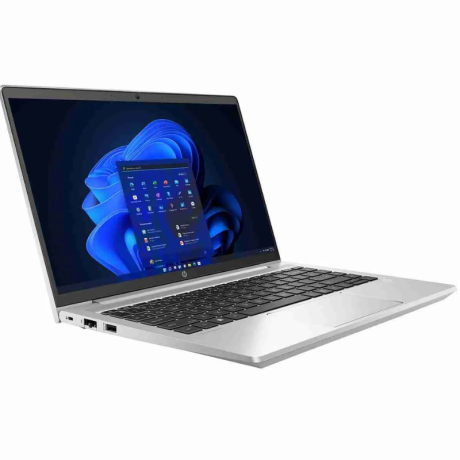
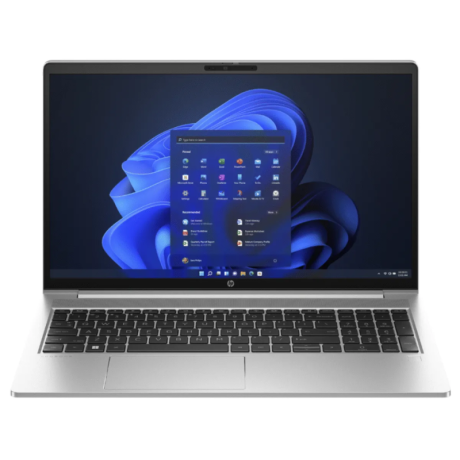
HP ProBook 450 G10 Laptop Intel Core i7-1355U 16GB RAM 512GB SSD
Original price was: KSh 126,000.00.KSh 125,000.00Current price is: KSh 125,000.00.
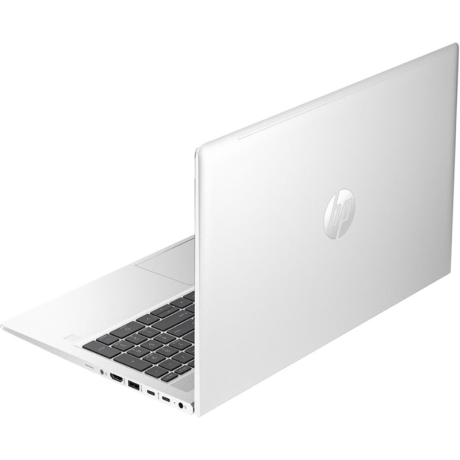
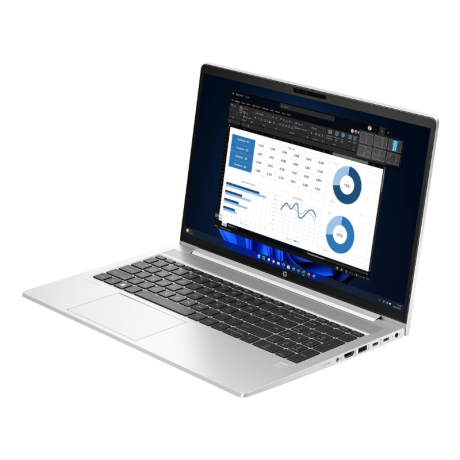
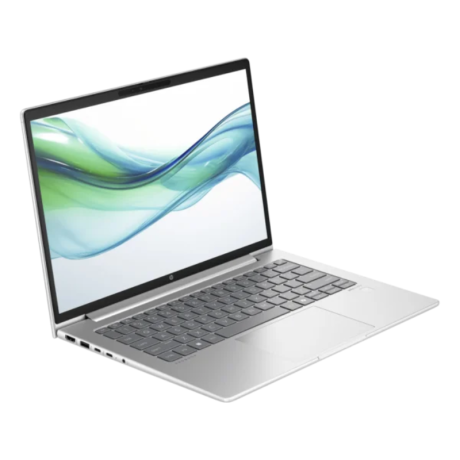
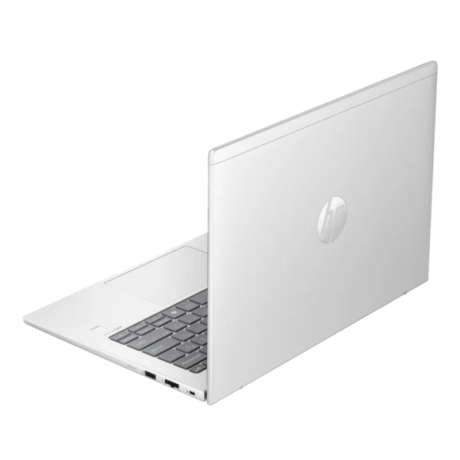
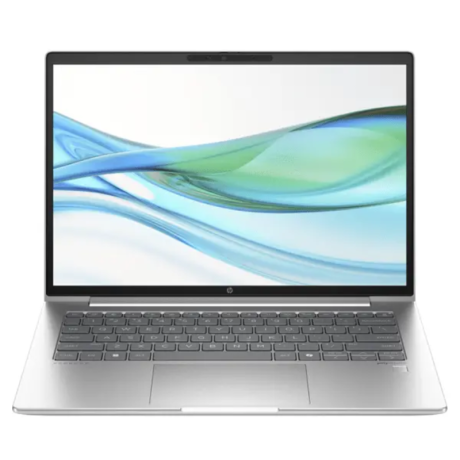
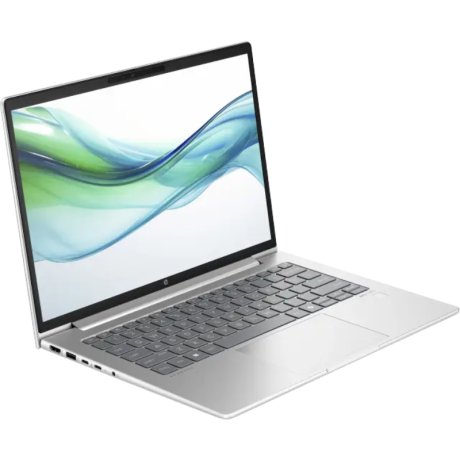
HP ProBook 440 G11 Laptop Intel Core Ultra 7 155U 16GB RAM 512GB SSD
Original price was: KSh 134,000.00.KSh 132,000.00Current price is: KSh 132,000.00.

-
(0 customer reviews)