
No products in the cart.
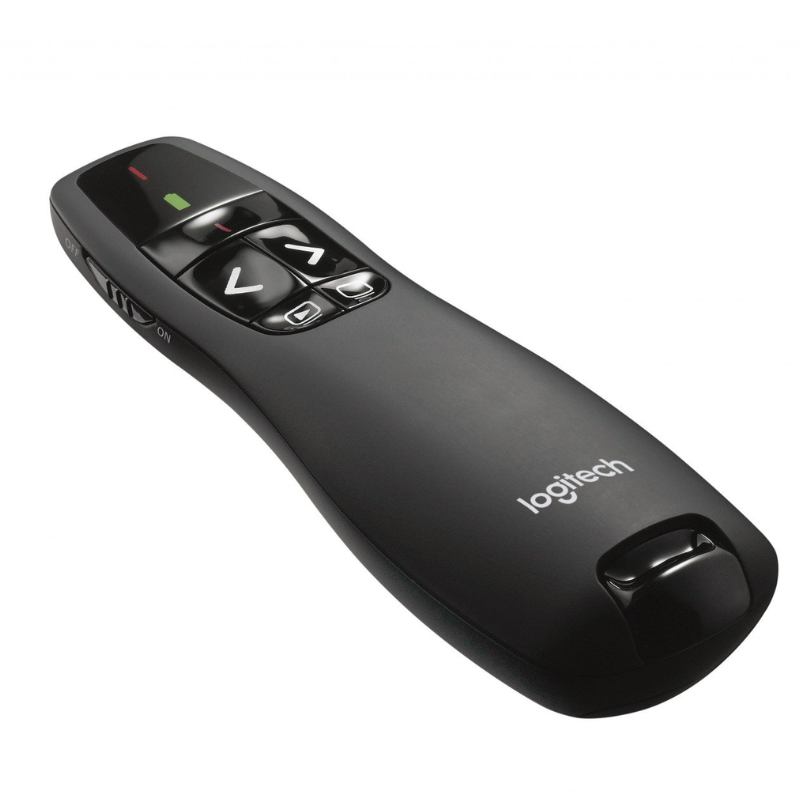
Logitech R400 Wireless Presenter – Black (910-001356) – Available in Nairobi
- Brand / Series Logitech R400 Wireless Presenter
- Model / Part Number 910‑001356
- Color Black
- Laser Type Red laser pointer (Class 2); suitable for projection screens
- Wireless Technology 2.4 GHz (USB nano receiver)
- Wireless Range Up to 15 m (environment‑dependent)
KSh 4,700.00

Logitech R400 Wireless Presenter – Black (910-001356) – Available in Nairobi
KSh 4,700.00
Description
Logitech R400 Wireless Presenter – Black (910-001356) – Available in Nairobi
Deliver confident, polished presentations anywhere with the New Logitech R400 Wireless Presenter – Black (model 910‑001356), now available at Computers Kenya’s Nairobi store. Designed for business meetings, classrooms, pitches, and trainings, the R400 pairs intuitive slide control with a bright red laser pointer and a reliable 2.4 GHz wireless connection. Setup is instant—just plug the tiny USB receiver into your laptop and you’re ready to present, no drivers required. Its ergonomic, soft‑touch design sits naturally in the hand, so you can focus on your message rather than your tools.
Effortless control for smooth delivery The Logitech R400 is purpose‑built for slide decks. Large, tactile buttons for next, back, slideshow start/stop, and a screen blank (black screen) function let you navigate without looking down. The red laser pointer makes it easy to draw attention to charts and key points on projection screens and traditional white surfaces. With a wireless range of up to 15 meters (environment‑dependent), you can move freely around the room, engage your audience, and maintain eye contact—hallmarks of a memorable, persuasive presentation.
Plug‑and‑play convenience There’s nothing to install. The R400’s nano USB receiver works out of the box with popular operating systems and presentation apps. Insert the receiver, and your computer recognizes the device as a standard input. Remove it after your talk and store it inside the presenter to prevent loss while traveling. This simplicity makes the R400 ideal for shared meeting rooms, visiting speakers, and fast setup before back‑to‑back sessions.
Practical laser visibility The integrated red laser pointer stands out on most projection screens and plain surfaces, making it easy to highlight figures and callouts. For best results, use on traditional projector screens or matte walls. Note: Laser dots do not appear on LCD/LED TV panels or some glossy displays; consider using on‑screen annotation tools when presenting on a flat‑panel monitor.
Comfortable, confident handling The R400’s curved body, soft‑touch sides, and balanced weight promote a secure, relaxed grip, reducing hand fatigue during long sessions. Button placement is intuitive: forward/back under the thumb, slideshow start/stop and screen blank within quick reach. A discreet power switch and battery indicator LED help you manage power at a glance.
Battery life that lasts Powered by two AAA batteries, the presenter is optimized for low‑power operation. Automatic sleep helps conserve energy between sessions, and the on/off switch prevents accidental activation in your bag. Keep a spare pair of AAA cells for extended travel or multi‑day events and you’ll never miss a slide.
Reliable 2.4 GHz wireless The 2.4 GHz link keeps latency low and navigation crisp—even in busy office environments. With a typical range up to 15 meters, you have the flexibility to step away from the lectern, interact with your audience, and still command your slides. The nano receiver’s compact design won’t block neighboring USB ports and is easy to leave connected to a dock if you frequently present from the same machine.
Broad app and OS compatibility The Logitech R400 works with popular platforms such as Microsoft PowerPoint, Google Slides (in a supported browser), Keynote, and PDF viewers that support standard page navigation shortcuts. It’s widely compatible with Windows; many macOS and ChromeOS setups also recognize the device as a standard keyboard input for slide control (feature behavior may vary by app and OS). If you’re building a meeting‑ready desk or lecture kit, explore lights, stands, and collaboration add‑ons in our curated Webcams category—an easy way to complement the R400 with better video presence.
Use cases that make a difference
- Sales and client pitches: Move with confidence, highlight value on key slides, and keep momentum.
- Training and classrooms: Engage learners from anywhere in the room and maintain attention with laser callouts.
- Webinars and hybrid sessions: Present in‑room while streaming online; the range supports flexible room layouts.
- Team updates and town halls: Keep pacing smooth with quick access to screen blank and slideshow start/stop.
Quick setup checklist
- Insert two AAA batteries.
- Plug the nano USB receiver into your laptop or docking station.
- Flip the power switch on; your presenter is ready instantly.
- Open your slide deck; use Next/Back, Start/Stop slideshow, and Screen Blank as needed.
- After your session, stow the receiver in the battery compartment, switch off the device, and pack away.
Pro tips for presenters
- Stand slightly off‑center from the screen to keep your silhouette from blocking content.
- Use the laser sparingly to emphasize specific data points—brief, deliberate highlights are most effective.
- Practice with screen blanking to refocus attention on discussion rather than slides.
- Pair the R400 with a good webcam for hybrid meetings so remote attendees can follow along clearly—browse our Webcams for options.
- Prepare a backup: keep fresh AAA batteries in your bag or podium drawer.
Complete your meeting kit A crisp webcam, clear microphone, and reliable presenter are the essentials of a modern meeting setup. For cameras, mounts, and companion gear that match the R400’s simplicity, explore the curated Webcams collection.
Detailed specification table (Google Ads–friendly):
| Attribute | Details |
|---|---|
| Brand / Series | Logitech R400 Wireless Presenter |
| Model / Part Number | 910‑001356 |
| Color | Black |
| Laser Type | Red laser pointer (Class 2); suitable for projection screens |
| Wireless Technology | 2.4 GHz (USB nano receiver) |
| Wireless Range | Up to 15 m (environment‑dependent) |
| Controls | Next, Back, Slideshow Start/Stop, Screen Blank (Black Screen), Laser |
| Receiver | USB nano receiver; stows inside presenter |
| Plug‑and‑Play | Yes (no drivers required) |
| Compatibility | Works with popular presentation apps; widely compatible with Windows; basic functions on macOS/ChromeOS (app/OS behavior may vary) |
| Power | 2 × AAA batteries (included in many packs) |
| Battery Management | On/Off switch; status LED; auto sleep |
| Dimensions | Approx. 115 × 37 × 27 mm (class profile) |
| Weight | ~57 g without batteries (batch‑dependent) |
| Materials/Finish | Soft‑touch surface with contoured grip |
| Safety | Laser safety compliant (Class 2); avoid direct eye exposure |
| In the Box | Presenter, USB receiver, 2 × AAA batteries, documentation (regional packs vary) |
| Warranty | Manufacturer limited warranty (region‑specific; confirm at purchase) |
| Ideal Uses | Business presentations, training, classrooms, webinars, hybrid meetings |
| Notes | Laser dot does not appear on LCD/LED TV panels; best on projection/white surfaces |
Kenyan price variation table (indicative):
| Seller/Retailer | Availability | Price Range (KES) | Notes |
|---|---|---|---|
| Computers Kenya (Nairobi store) | In stock or order‑on‑demand | 3,900 – 5,900 | Call/visit for current price, bundles, and warranty details |
| Authorized Logitech Dealers | Varies by branch | 4,200 – 6,500 | Price varies by importer batch, VAT, and packaging |
| Major Online Marketplaces (Kenya) | Stock varies by seller | 3,800 – 6,300 | Check shipping fees, seller rating, and return policy |
| Local IT Shops (Nairobi) | Select stores | 3,900 – 6,200 | Some bundles include spare batteries or a carry pouch |
Notes on pricing and availability:
- Prices are indicative for Kenya and can change with exchange rates, VAT, logistics, and stock levels.
- Regional packs may vary (e.g., included batteries or pouch); confirm in‑box contents at purchase.
- Wireless range depends on room layout, interference, and USB port placement (front‑panel or dock ports often improve line‑of‑sight).
Why choose Logitech R400
- Intuitive, tactile controls reduce friction and keep your delivery smooth.
- Bright red laser pointer helps you emphasize key data on projection screens.
- Reliable 2.4 GHz link and up to 15 m range support natural movement and engagement.
- Plug‑and‑play USB works across meeting rooms without driver installs.
- Compact, ergonomic design with receiver storage—ideal for travel and hot‑desking.
Informative conclusion: The Logitech R400 Wireless Presenter (Black, 910‑001356) is the trusted, no‑nonsense tool for better presentations—simple to set up, comfortable to hold, and precise in operation. With a bright red laser, intuitive slide controls, and robust 2.4 GHz wireless up to 15 meters, it lets you focus on storytelling and audience engagement rather than technology. Available now at Computers Kenya’s Nairobi store, the R400 pairs perfectly with meeting‑ready accessories such as webcams, stands, and lighting. To round out your hybrid presentation kit and compare camera options for remote attendees, explore our curated Webcams collection, and use the Kenya‑specific price guide above to plan your purchase with confidence.
Reviews (0)
Reviews
There are no reviews yet.
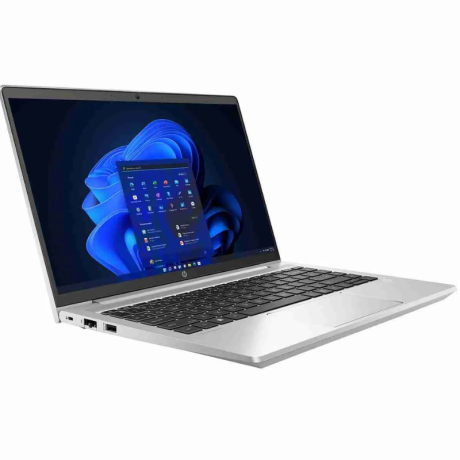
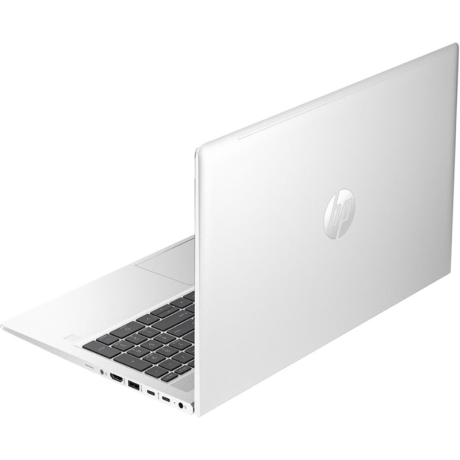
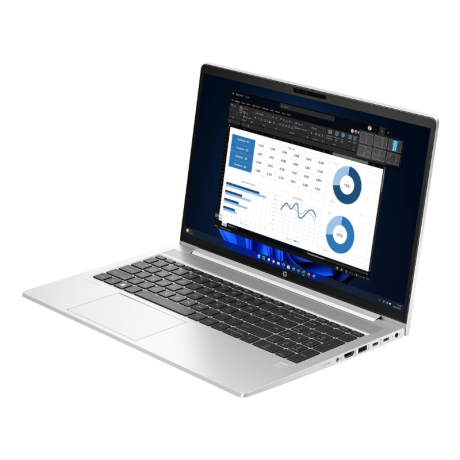
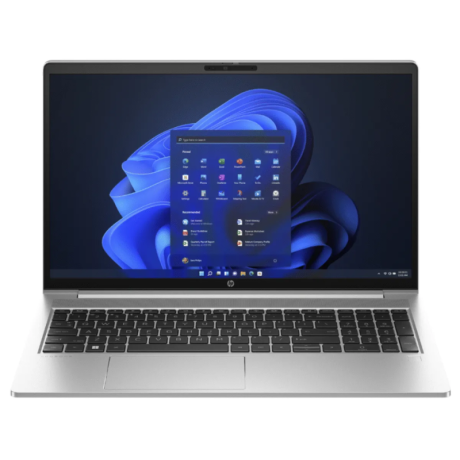
HP ProBook 450 G10 Laptop Intel Core i7-1355U 16GB RAM 512GB SSD
Original price was: KSh 126,000.00.KSh 125,000.00Current price is: KSh 125,000.00.
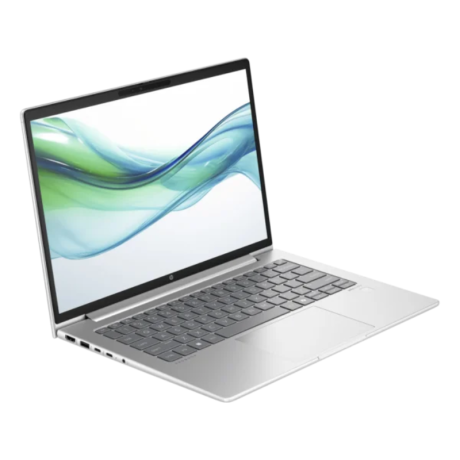
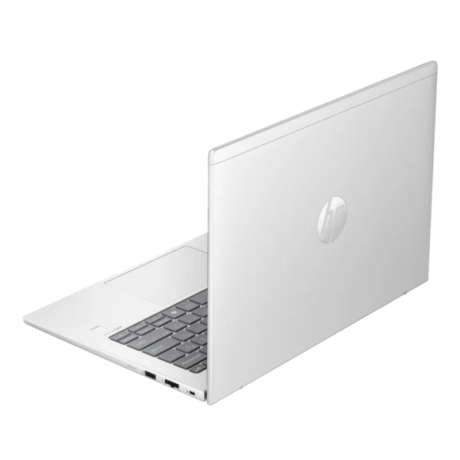
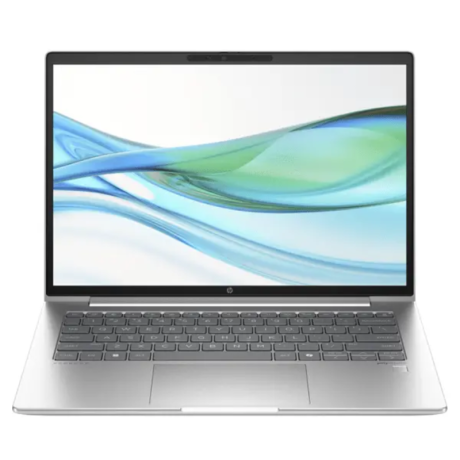
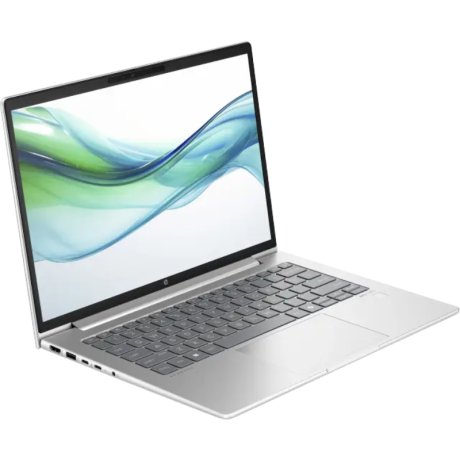
HP ProBook 440 G11 Laptop Intel Core Ultra 7 155U 16GB RAM 512GB SSD
Original price was: KSh 134,000.00.KSh 132,000.00Current price is: KSh 132,000.00.

-
(0 customer reviews)